Murmur
A private voice recorder for iPhone that transcribes, summarizes and finds tasks, all on device.
Open an issue at github.com/rg225/murmur-site/issues and describe what happened. Please don't include recordings or transcripts.
Common questions
Does Murmur upload my recordings?
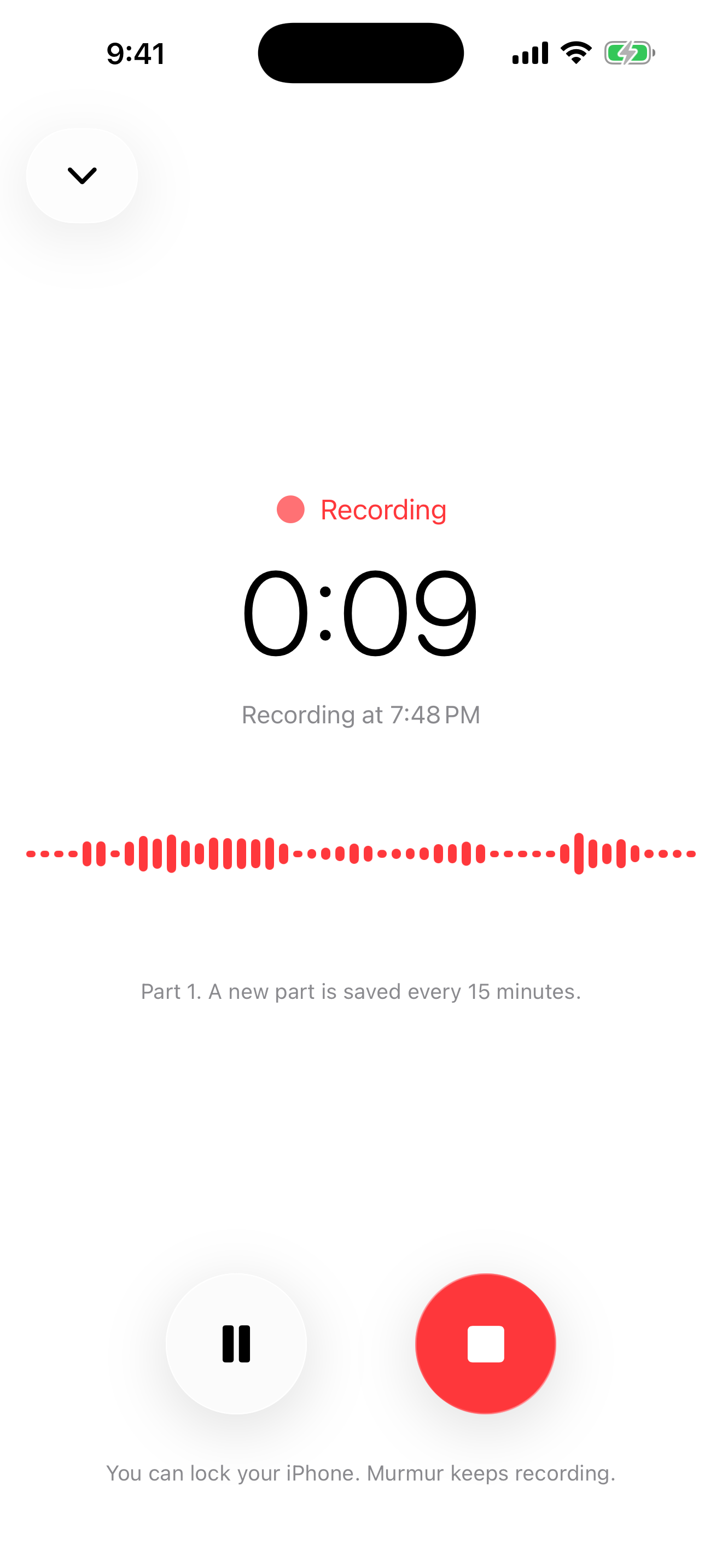
No. Recording, transcription, speaker recognition and summaries all run on your iPhone. Murmur has no servers.
Why does Murmur need the internet the first time?
iOS downloads the English speech model, and Murmur downloads a 21 MB speaker-recognition model, once. After that, Murmur works offline.
Summaries and tasks don't appear.
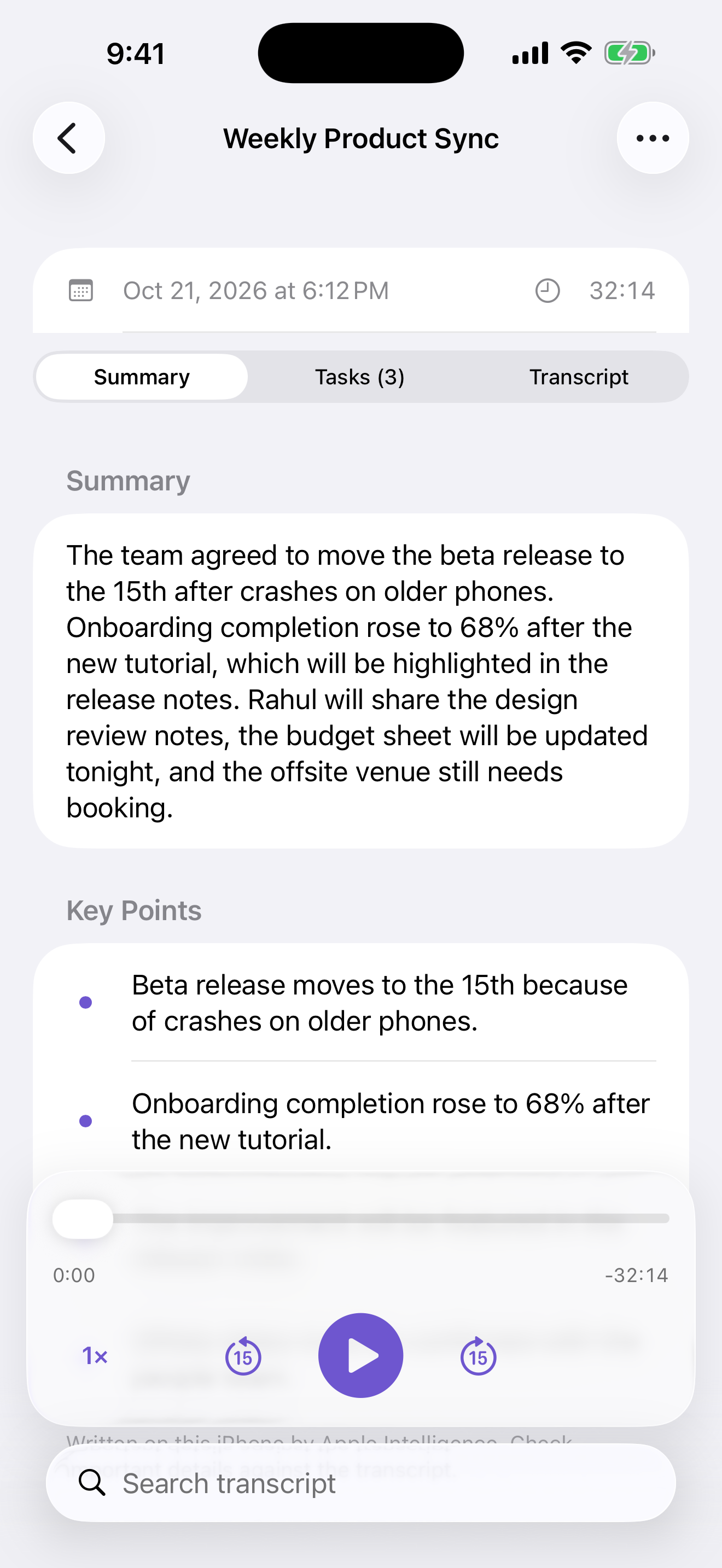
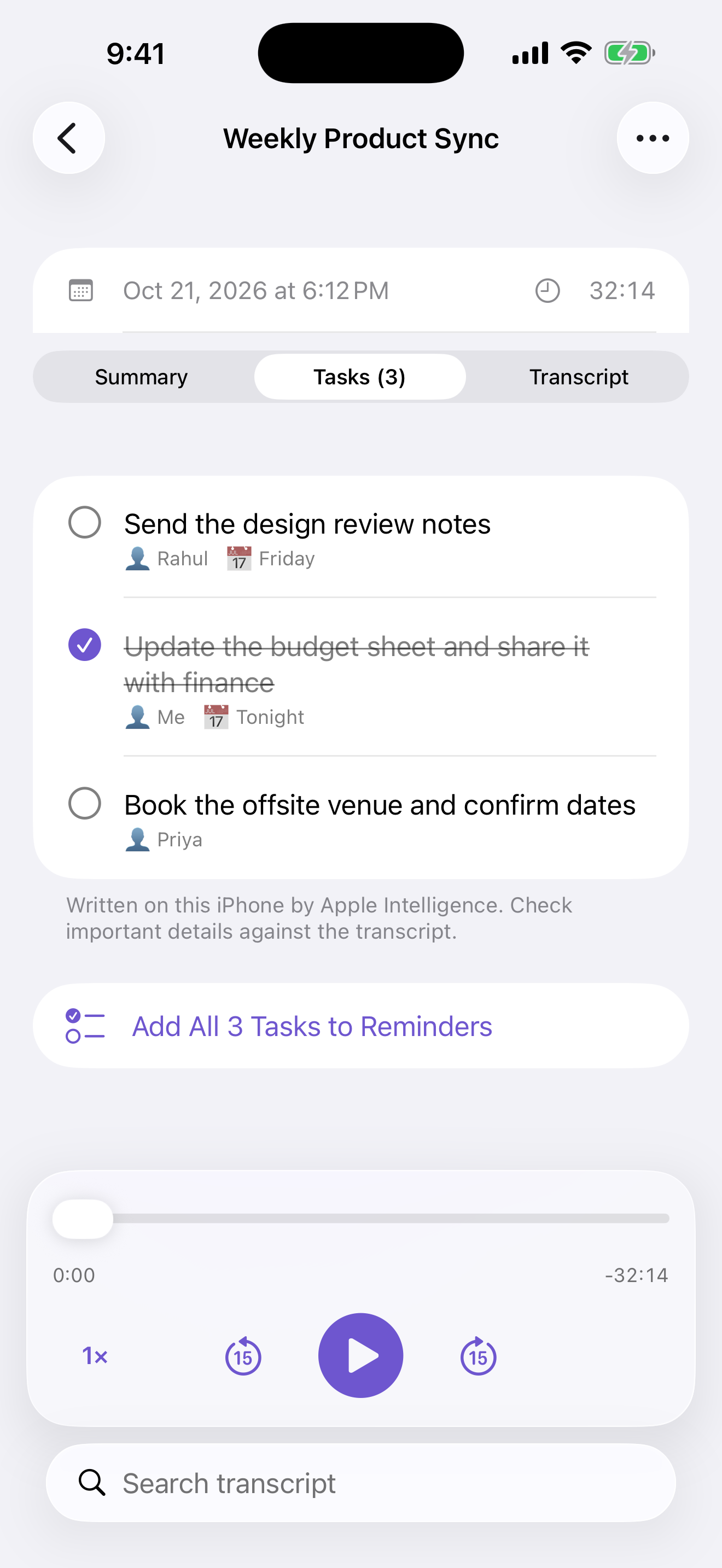
They use Apple Intelligence. Turn it on in Settings › Apple Intelligence & Siri. Your iPhone must support Apple Intelligence.
My lines aren't labeled “Me”.
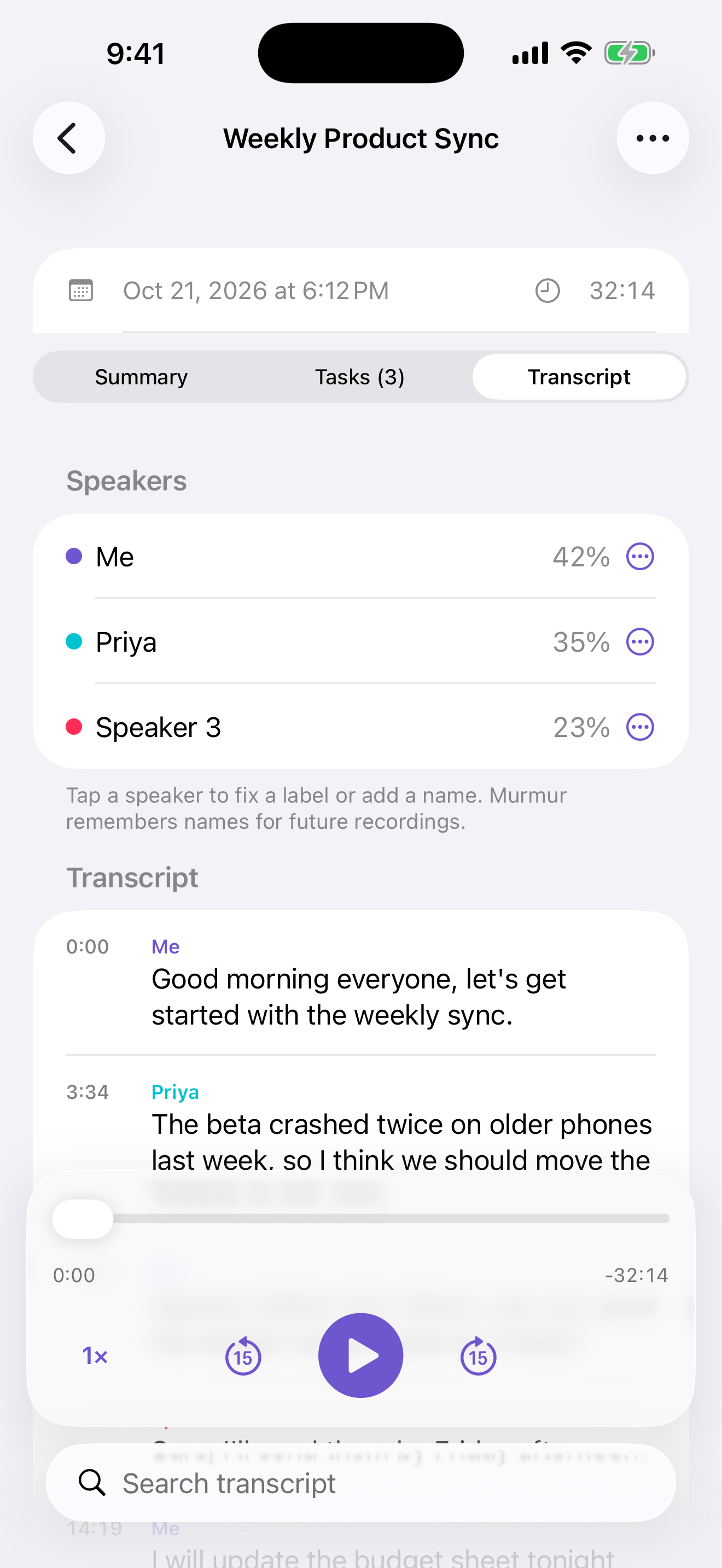
In Murmur, open Settings › Set Up My Voice and read the passage. If a label is wrong, tap the speaker in the transcript and choose This Is Me or Not Me.
How do I start recording from the Action Button?
Settings › Action Button › Shortcut › Murmur › Start Recording.
How do I delete my data?
Delete a recording by swiping it in the list, or delete the app to remove everything. Delete your saved voice in Murmur › Settings › Your Voice.